
Put Numbers in Order: FREE Gingerbread Math Game to 20
Knowing the counting song and being able to put numbers in order are two different things. This FREE gingerbread Boom Cards game gives children practice arranging numbers to 20, and it fits beautifully alongside these hands-on Christmas activities. I love an activity that needs no cutting or laminating. My laminator and I could use a little personal space.
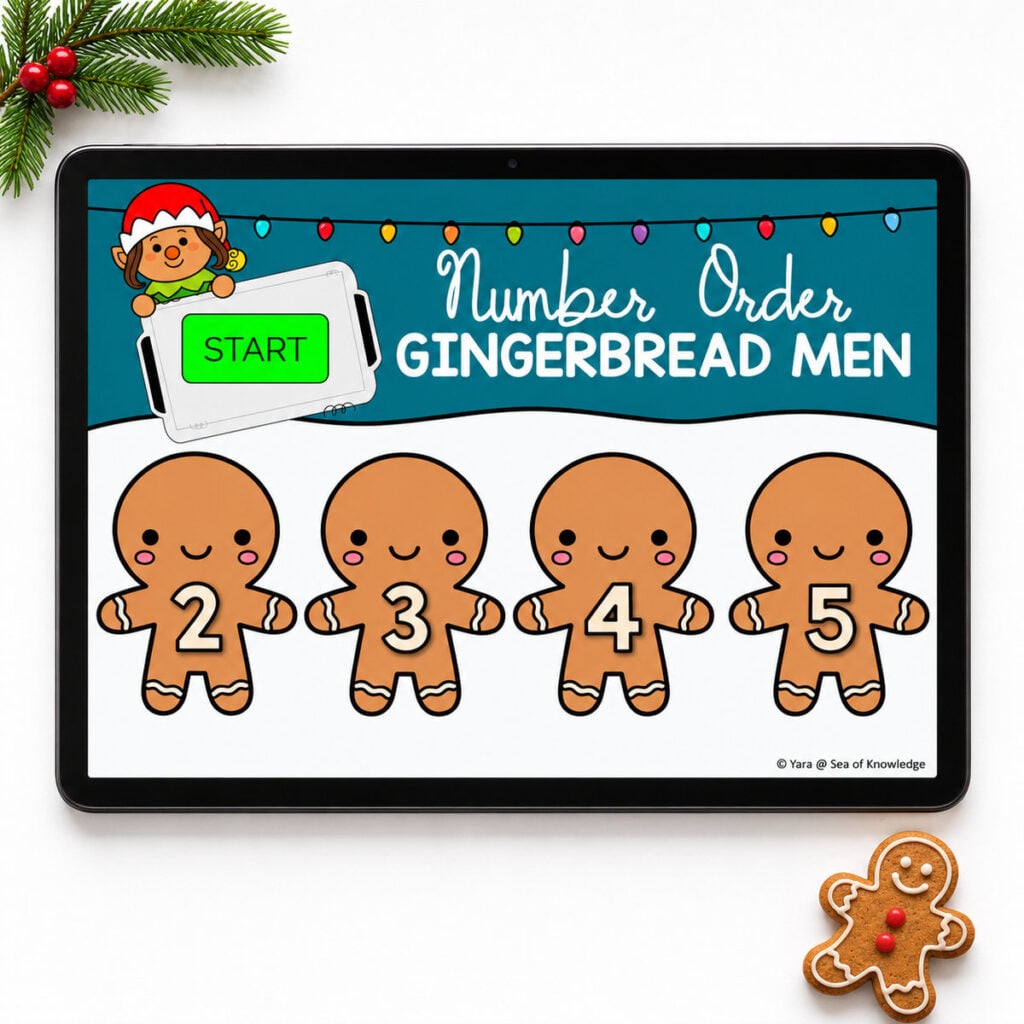
Want more digital choices? My Pre-K and Kindergarten mega bundle includes over 2,000 slides for early literacy, math, and school readiness, with everyday and seasonal activities to rotate throughout the year.
Help Kids Put Numbers in Order to 20
Number sequencing means arranging numerals in their counting order. Start by reading the numbers shown, finding the smallest, and counting forward. For example, rearrange 5, 2, 4, 3 to make 2, 3, 4, 5. Count the finished row aloud together.
For an easier hands-on introduction, try these number order to 10 caterpillars. These farm animal counting puzzles also let children build shorter sequences before tackling numbers to 20.
How to Play the FREE Gingerbread Number Order Game
The gingerbread deck features drag-and-drop number ordering and self-correcting answers. Model one card before children play independently. Read the numerals together, decide which comes first, and move the gingerbread pieces into counting order. Then say the sequence aloud and use the game’s feedback to check.
Ask, “Which number comes next?” and “How could we check?” If recognizing a numeral is tricky, practice matching numbers and quantities with these car wheel number sense mats.
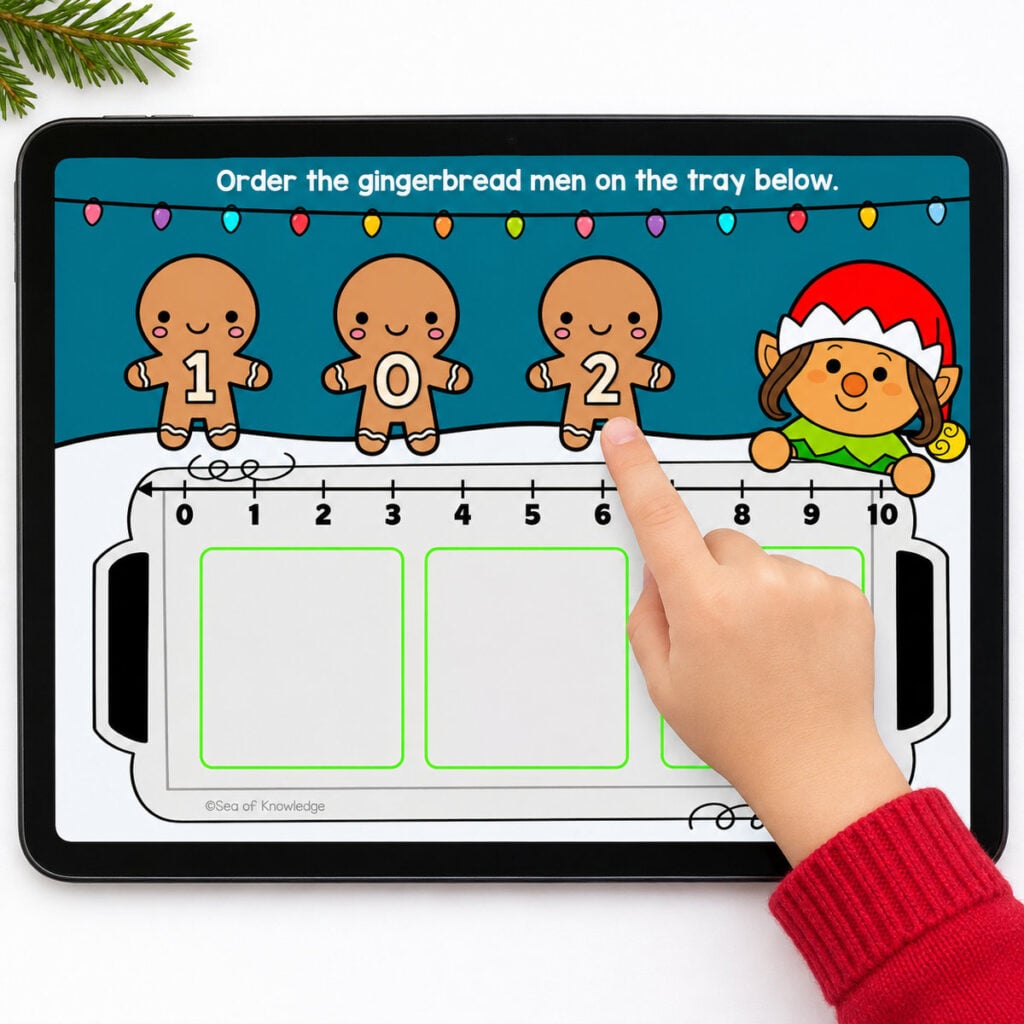
Play the Number Sequencing Game on Tablets
Open the free deck link on the tablet and follow Boom’s access prompts. Try landscape orientation, then demonstrate pressing, holding, and dragging a piece. Let children practice the movement before expecting independent math work.
Use short turns during math centers. Partners can swap roles: one explains the number sequence while the other drags. For screen-free practice between turns, set out these fairytale count and clip cards.
For more center rotations, explore the 2,000+ slide Pre-K and Kindergarten bundle. I appreciate having activities ready before my teacher brain opens seventeen imaginary tabs.
[IMAGE 3: Gingerbread Boom Cards game on a tablet]
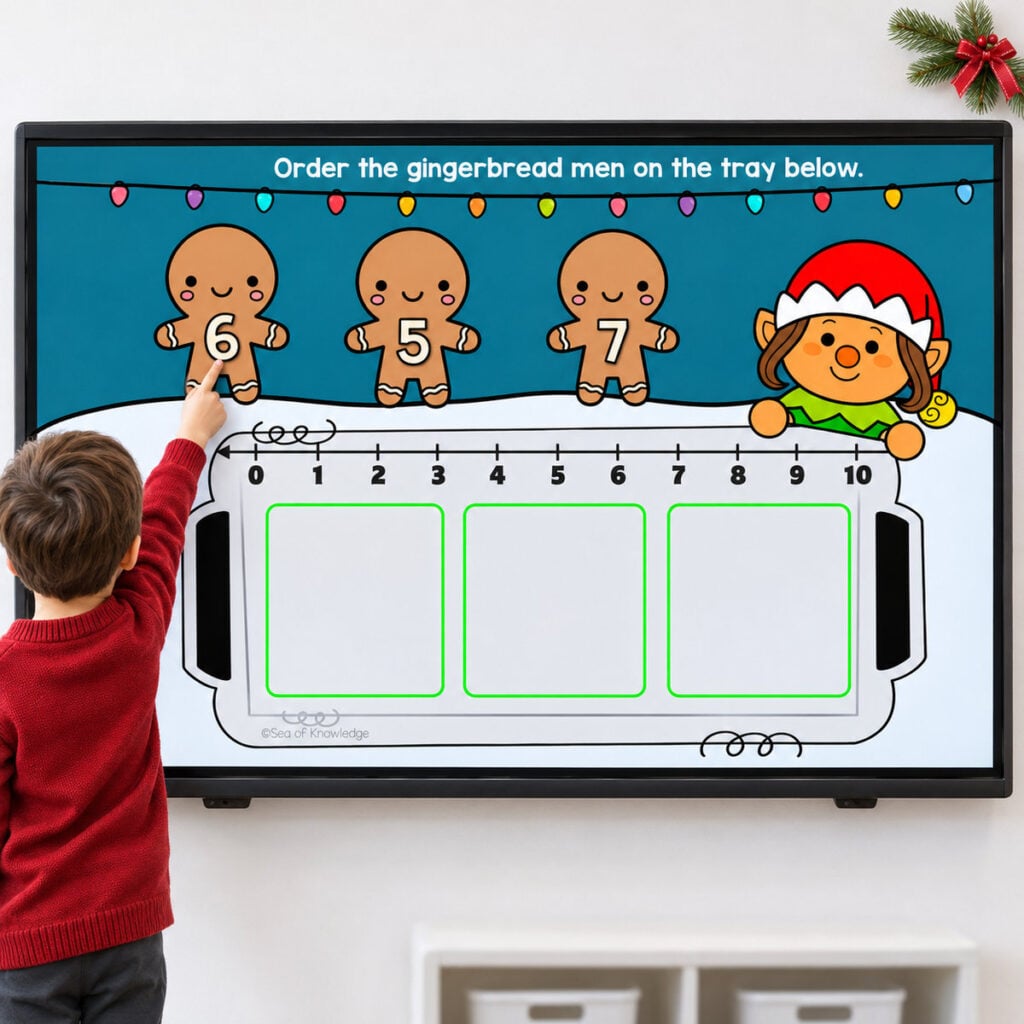
Use the Ordering Numbers Game on a Smartboard
Open the deck on the computer connected to your smartboard and display the game. On a touch-enabled board, model dragging a gingerbread piece, then invite children to take turns. If you are projecting onto a regular screen, control the pieces with the computer mouse instead.
Keep everyone involved by asking children to predict the next number or write the sequence on mini whiteboards. Pair this whole-class warm-up with your Christmas kindergarten centers.
[IMAGE 4: Whole-class number order game on a smartboard]
Number Order Activities for Small Groups and Extra Support
Keep a number line nearby so children can point, count, and check. For ESL/ELL learners, model “First comes __. Next comes __.” Allow extra thinking time and offer help with dragging when needed.
If numeral meaning needs reinforcement, build quantities with counters or these Christmas number sense dough mats. These silly worm dot sticker activities provide another way to match numerals with quantities.
Ready for an extension? After completing a sequence, discuss which number comes before or after it. These are extra teaching prompts you can add during play.
Follow up with a Christmas counting game, or choose a reusable math activity from these busy learning binder printables. I like a mix of digital and hands-on practice. Variety keeps my planning brain happy, too.
Keep your digital centers ready: explore my mega bundle of over 2,000 slides covering phonics, counting, shapes, patterns, and social-emotional learning.
Get Your FREE Put Numbers in Order Boom Cards
Ready for some gingerbread math? Grab the FREE deck below for number recognition and ordering numbers to 20. Use it for tablet practice, a smartboard warm-up, or a supported small-group session. Follow Boom’s on-screen instructions to access the deck, then model a round and start playing.