How to Create a Book for Kids (With ReadKidz + Free Mini Tutorial!)
Have you ever wished you could just whip up a personalized book for your kids or students—with their name, their quirks, and even their voice? I recently discovered ReadKidz, and let me tell you: this children’s book creator made it ridiculously easy to create a book for kids from scratch (and then turn it into a mini movie!). I’ve created a number of social stories which I love, and this tool is a game changer for those!
Whether you’re a parent looking to craft a bedtime favorite, a teacher building leveled readers for your class, or a homeschooler in search of a DIY kids book project, ReadKidz has you covered.

Disclosure: This post is sponsored by ReadKidz. All opinions, ideas, and printable resources are my own—designed to help educators and parents create meaningful, personalized stories for kids.
Why Create Your Own Book for Kids?
There’s something magical about a story that speaks directly to a child. When they see their name in print—or even hear their own voice narrating the tale—they light up. Creating your own book isn’t just fun, it’s a brilliant way to boost:
- Reading fluency
- confidence
- emotional connection to stories
I’ve made tons of printable readers before, but ReadKidz takes it up a notch. You’re not just making a printable kids book—you’re building an interactive book for kids that feels like it jumped out of a Netflix special.
What is ReadKidz?
ReadKidz is an easy-to-use children’s book creator that lets you:
- Write your own story
- Personalize characters (skin tone, hairstyle, outfits, and more!)
- Add AI voices to your books
- Export the finished book as a digital file or video
- It works right in your browser—no downloads or complicated design tools required. It’s honestly one of the best book creator apps for kids I’ve used!
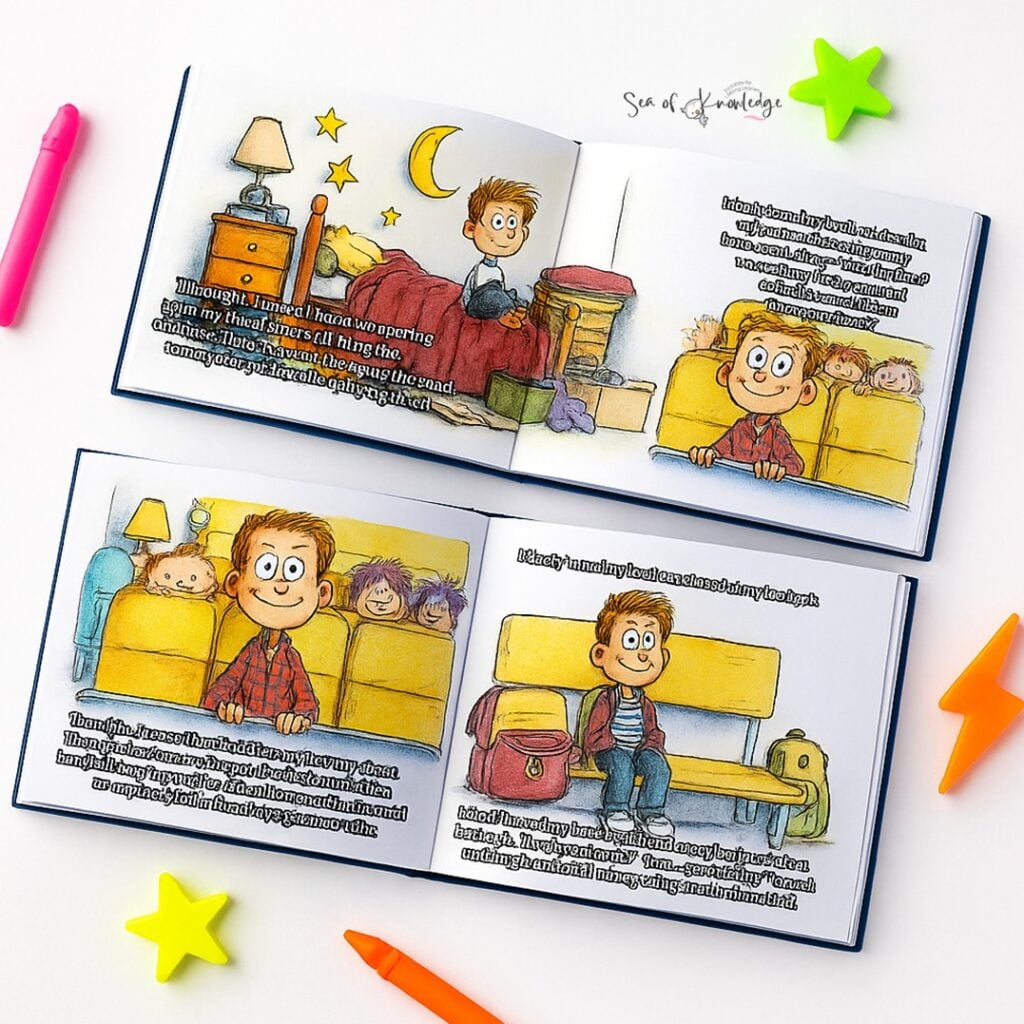
🔗 Try ReadKidz here (they offer a free sign-up with book credits so you can test it out first)
Fun Reading for Kids

Who Is This Tool Perfect For?
This isn’t just for authors-in-the-making! If you’re a…
- Teacher: Make classroom readers, behavior social stories, or seasonal SEL books.
- Parent: Personalize bedtime stories starring your child as the hero.
- Homeschooler: Create your own educational books to fit your unique curriculum.
Think of it like Canva meets Storytime.

How I Created My Own Book (Step-by-Step Mini Tutorial)
Let’s dive into how I made my first story with ReadKidz—and yes, I’ve included screenshots too!
1. Choose a Theme
Pick a template or start from scratch. I used a blank one because I had a specific social-emotional theme in mind.
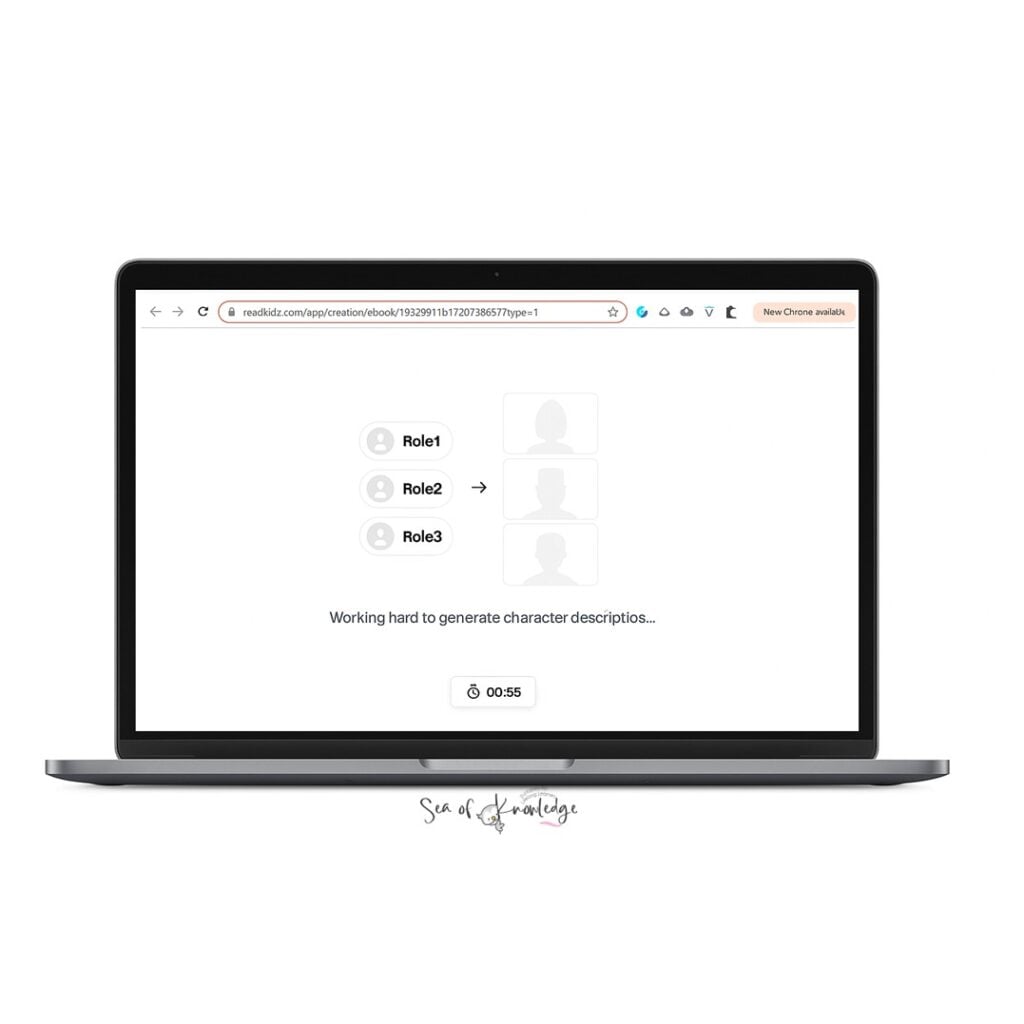
2. Customize Your Characters
This was so fun! I gave my character hair and personality to match one of my students. You can also pick the roles you’d like for each character to personalise it even further.
3. Write Your Story
You can type directly into each page panel. I kept mine to 1–2 sentences per page to make it an easy reader for kindergarten. However, the storybook you will see that I have created generated a longer version (just to show you what this program can do).
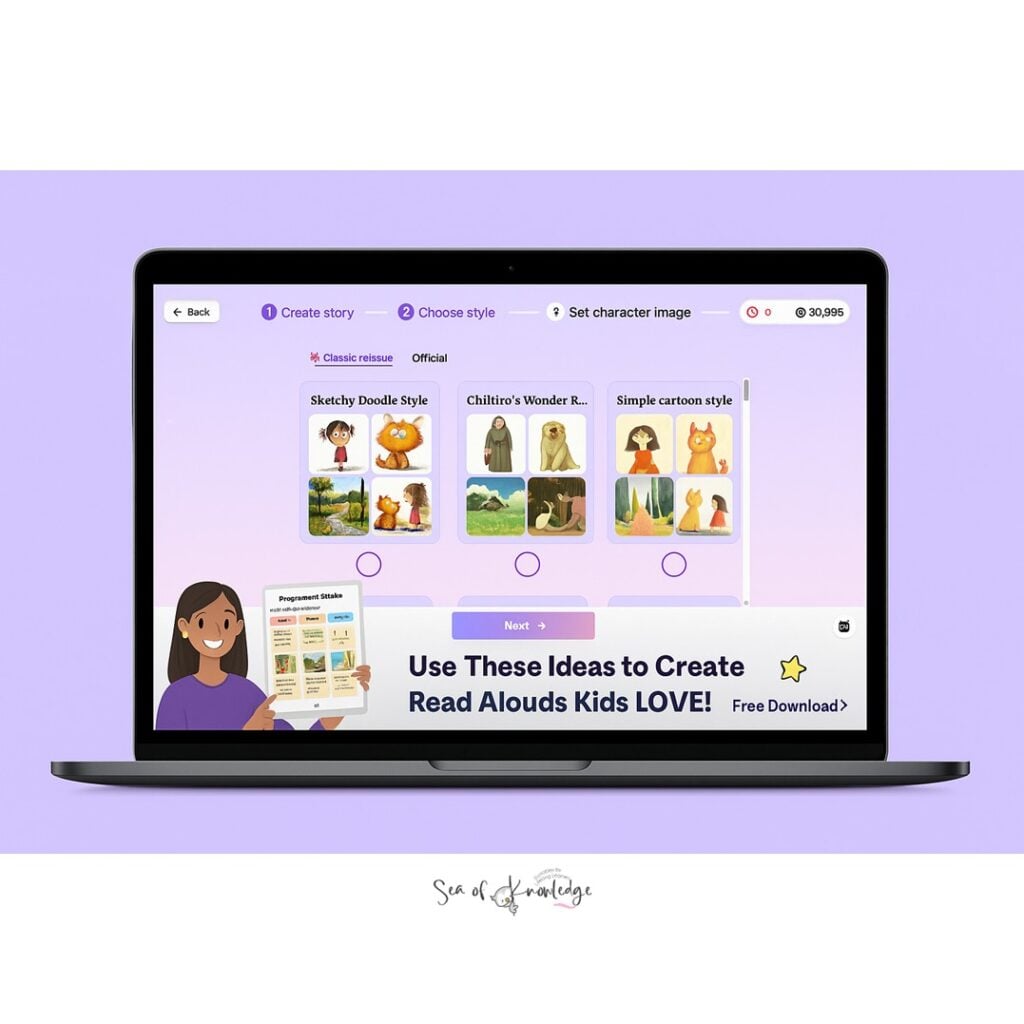
4. Add Voice Recordings
You can add recordings with AI voices within the plaform. This is such a game-changer for digital storytelling for kids.
5. Export Your Book
Once finished, I exported the book as both a PDF and a video file. You can even share the link directly with families!
ReadKidz allows users to convert their finished picture books into videos. As long as the picture book is finished with images, text (subtitles), and voice-over, and the overall pages is over 12, users can easily turn their books into videos.
💡 Want to see my finished book? I’ll be sharing it in my next newsletter!
Bonus: Turn It Into a Story Video!
After exporting, I used Canva to drop the book pages into a simple video template. I added background music, and BAM! Now I’ve got a little story movie. You can also create the story video with the AI voices within the platform.
This makes it easy to:
- Share with parents
- Create lesson hooks
- Upload to private class platforms like Seesaw or Google Classroom
The program created this video for me in 2 minutes!

Story Ideas to Get You Started
Need some inspiration? Here are some book writing ideas for kids:
- A story about handling big emotions (like jealousy or fear)
- A book about their school routine
- A holiday adventure with them as the star
- Kindness stories with classroom friends
- A “my family” personalized book
You can even let the kids brainstorm and dictate—it becomes a writing lesson + tech lesson all in one!
Why I’ll Keep Using ReadKidz
After using ReadKidz, I can confidently say this tool makes it SO simple to make a children’s book that’s both meaningful and educational. I’m already planning themed stories for every major holiday—and my students are hooked.
📥 If you’re ready to create a book for kids that they’ll never forget, I highly recommend giving ReadKidz a try.
Fun Reading for Kids

Want 30 Free Personalised Story Ideas (mapped to the common core kindergarten curriculum) for Your Next ReadKidz Book?
I’ve put together a special printable with 30 story ideas you can use to create meaningful books featuring student names using ReadKidz—perfect for teachers, parents, and homeschoolers!
These story ideas are designed to help young learners develop key kindergarten skills like:
- Speech and language development
- Social-emotional growth
- Basic counting and number recognition
- Understanding routines, feelings, and friendships
You’ll also find:
- A story brainstorming box
- Character creation prompts
- A 5-page story template to guide your writing
Whether you’re teaching in the classroom or creating a bedtime story at home, this printable will help you plan your next book with confidence and ease.
Click here to grab the 30 Story Ideas + Story Planner Printable!
Using a tool like ReadKidz to create a book for kids opens up endless possibilities—whether you’re crafting a personalized storybook for bedtime or building engaging classroom readers that target essential skills like speech, emotions, and counting.
This children’s book creator makes it easy to bring your ideas to life with vibrant characters, custom stories, and even video exports that make learning feel magical.
I’ll be sharing even more of my process soon—how I brainstormed, drafted, and published my story using ReadKidz step-by-step. If you’re curious about what goes into making a meaningful, custom book for kids, you won’t want to miss it.
Until then, don’t forget to grab your free printable with 30 story ideas—they’re mapped to real kindergarten learning goals and perfect for your next ReadKidz project!


![Thanksgiving Paper Plate Craft Printable Free [old lady who swallowed a pie craft]](https://www.seaofknowledge.org/wp-content/uploads/2022/11/There-was-an-old-lady-who-swallowed-a-pie-activities3-1.jpg)