Coding Worksheets for Elementary Students (Screen-Free Ideas That Actually Build Real Skills)
You don’t need screens to teach coding. These coding worksheets for elementary students build real skills through fun, hands-on activities for preschoolers and young learners.
If you’ve been searching for coding worksheets for elementary students, you’ve probably noticed something…
Most coding activities start with a screen.
This post is sponsored by CodeMonkey, a platform I’ve been using to support coding skills in a fun and engaging way.
But for younger learners — especially when you’re looking at coding for 5 year olds, coding games for preschoolers, or even screen-free coding activities for preschoolers — jumping straight into apps isn’t always the best first step.
Before kids can code on a computer, they need to understand how coding actually works.
That means:
- following steps in order
- understanding cause and effect
- recognizing and fixing mistakes
This is why coding worksheets for elementary students are such a powerful starting point.
They build the thinking behind coding first — before introducing devices or programs.
This post is sponsored by CodeMonkey, but as always, I only share tools and resources that fit naturally into the way I teach and create learning experiences for my students.
Why Start with Coding Worksheets Instead of Apps?
It’s easy to assume coding has to begin with apps or devices, but for younger learners, that can actually slow things down.
Using hands-on coding worksheets helps students:
- focus on logic instead of navigating technology
- understand sequences in a clear, visual way
- build confidence before moving to digital tools
They also work really well as alternatives to coding toys in 2025, especially if you want something low prep, flexible, and easy to use in both classrooms and at home.
Once students understand how coding works through worksheets, transitioning into digital platforms becomes much more natural.
5 Coding Worksheets for Elementary Students That Build Real Skills
1. Sequence Coding Worksheets (Real-Life Algorithms)
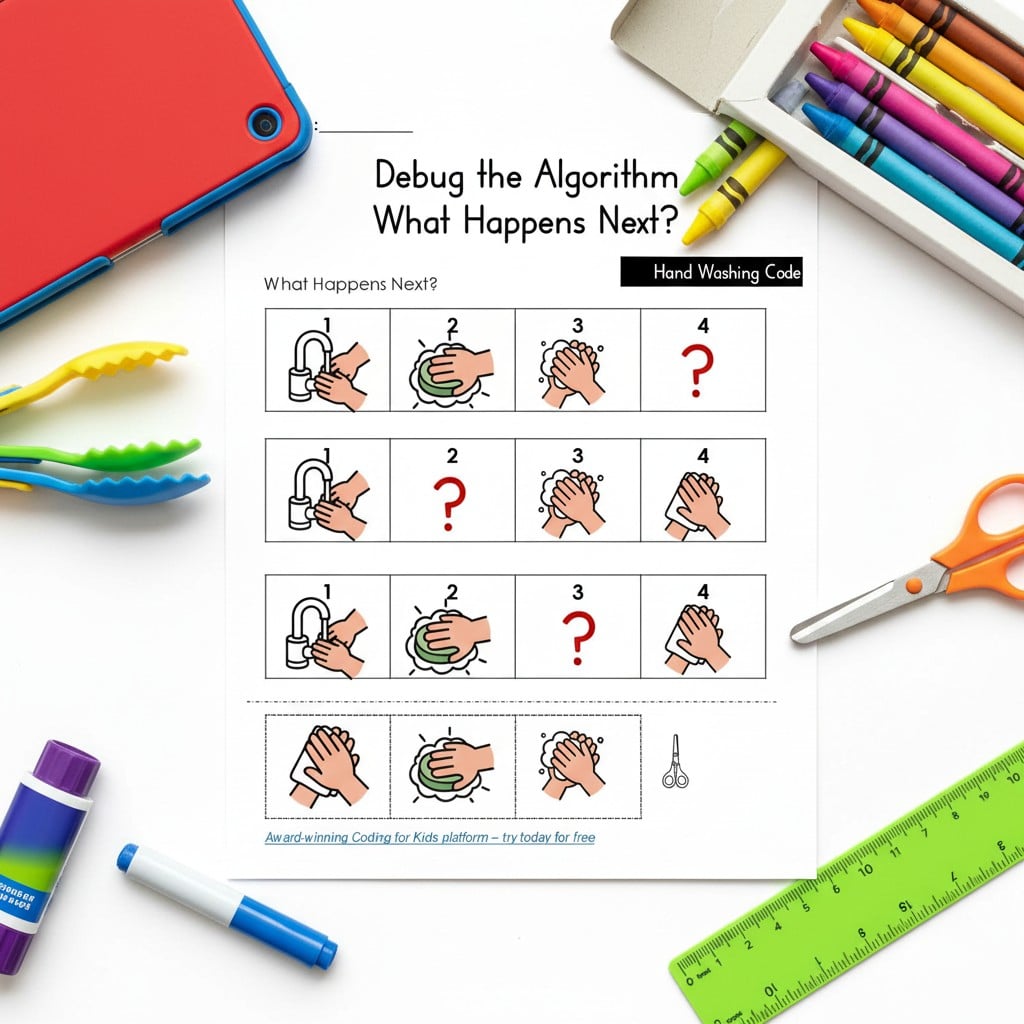
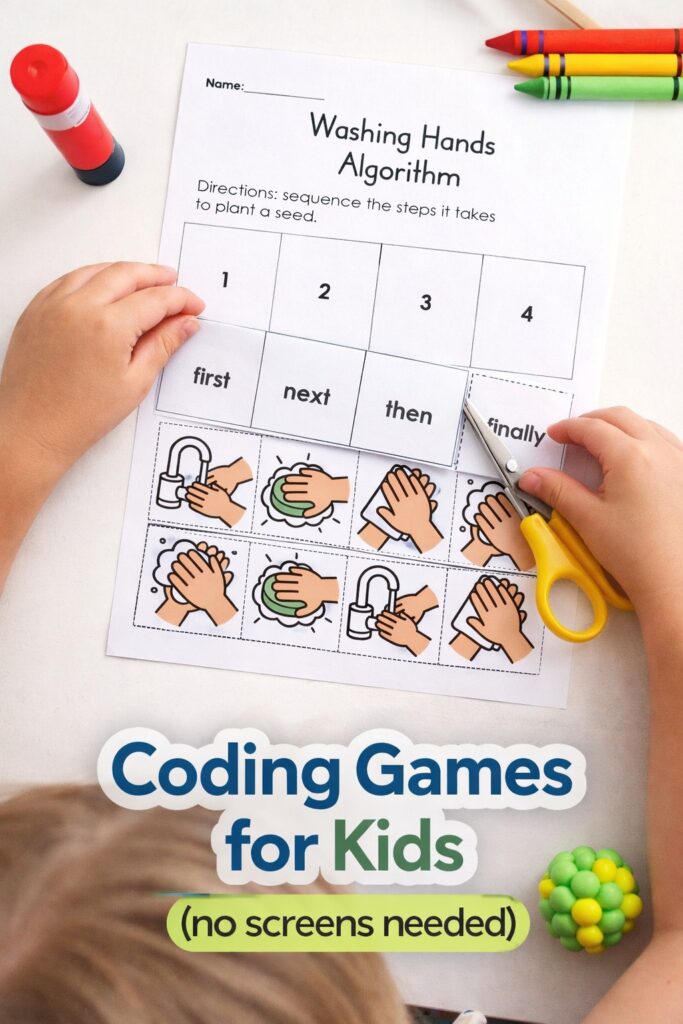
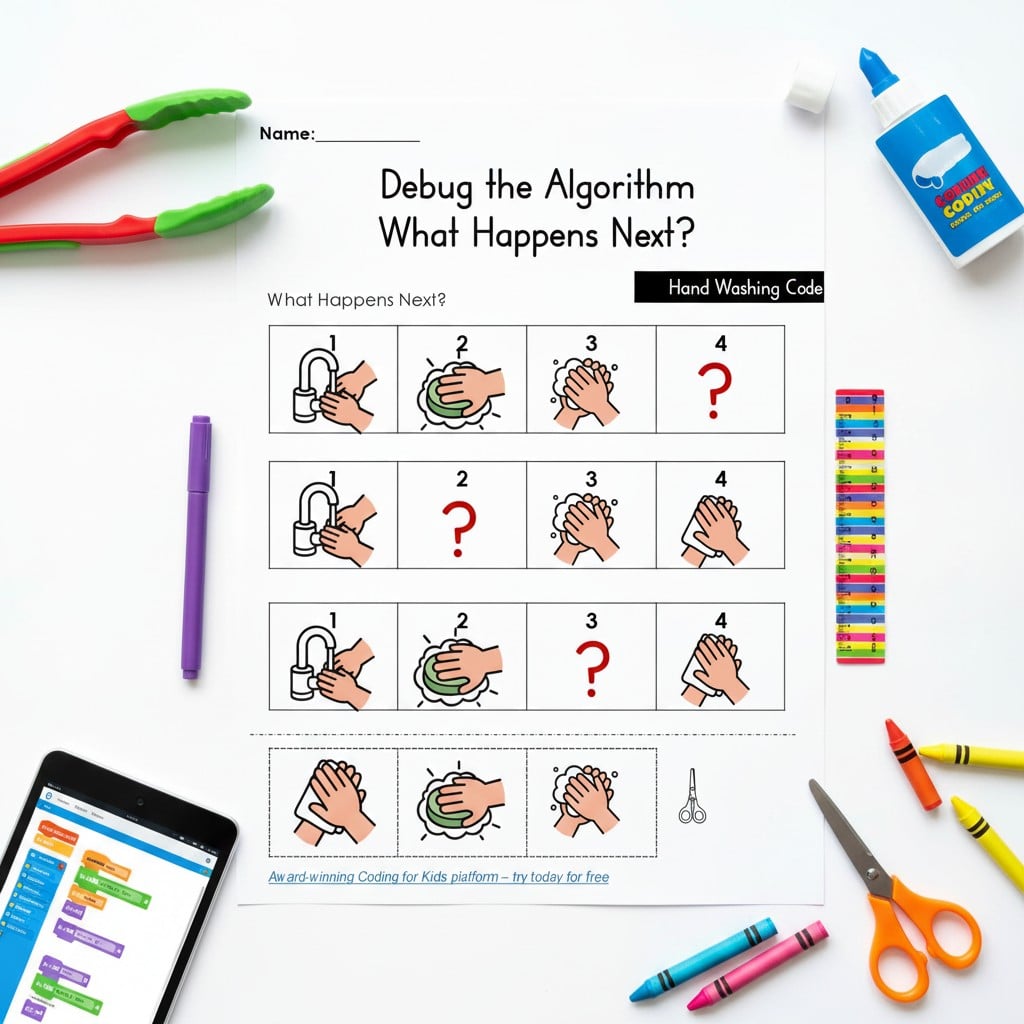
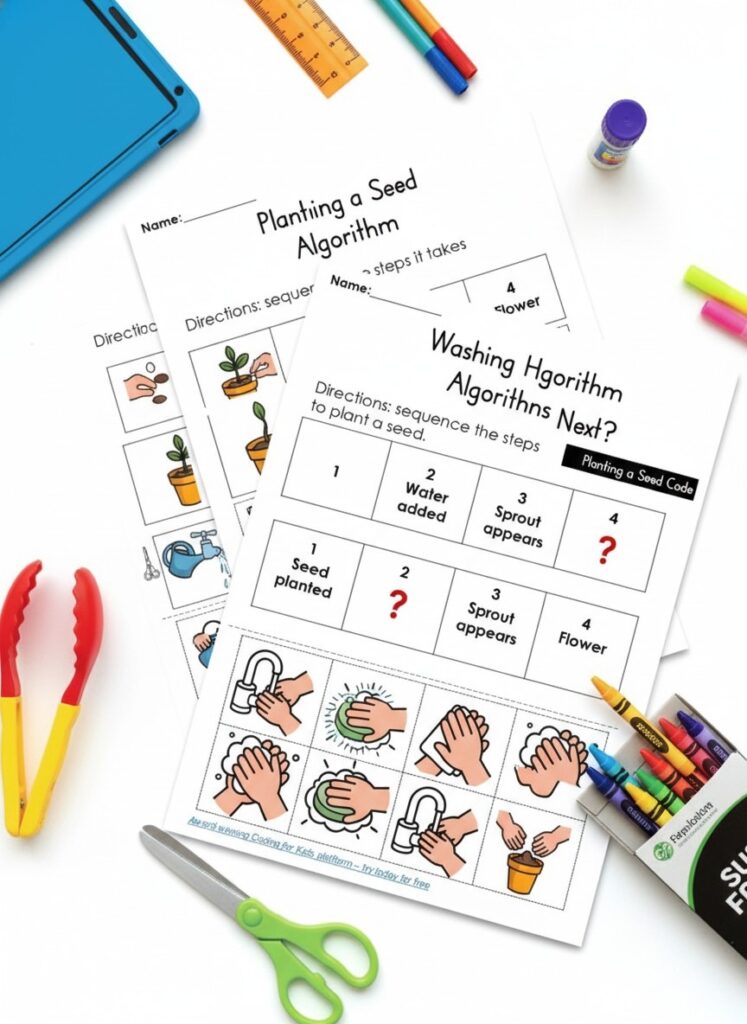
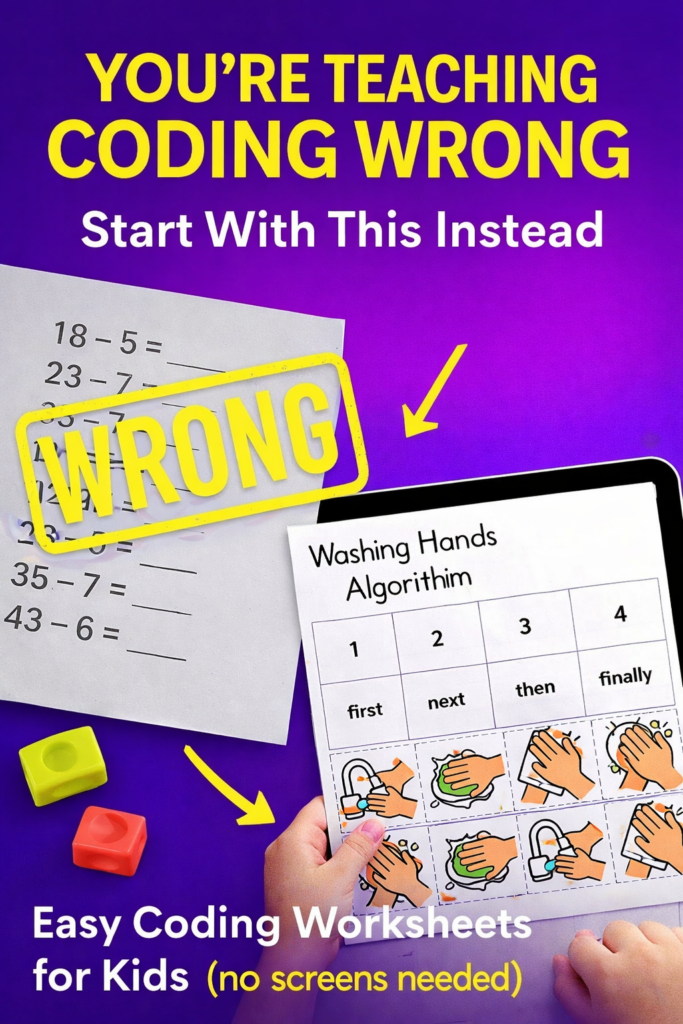
These coding worksheets for elementary students focus on everyday routines like planting a seed and washing hands, turning them into simple algorithms.
Students:
- sequence steps using first, next, then, finally
- cut and paste to build the correct order
- debug incorrect sequences
This is one of the most effective ways to introduce beginner coding worksheets because it connects coding to real life.
How to use:
Print the pages, have students cut and arrange the sequence cards, then move into the debugging section where they fix incorrect steps. These work well for centers, small groups, or independent practice.
Benefits:
These worksheets build the exact skills needed for computer coding:
- sequencing and order
- logical thinking
- debugging (fixing mistakes)
By the time students move onto digital coding platforms, they already understand how code works. This makes tools like CodeMonkey feel intuitive instead of overwhelming.
How to download:
Enter your email in the opt in form in this post to access the full printable set.
Choose the Right Way to Get Started with CodeMonkey
Depending on how you plan to use coding in your home or classroom, there are a few easy ways to get started with CodeMonkey.
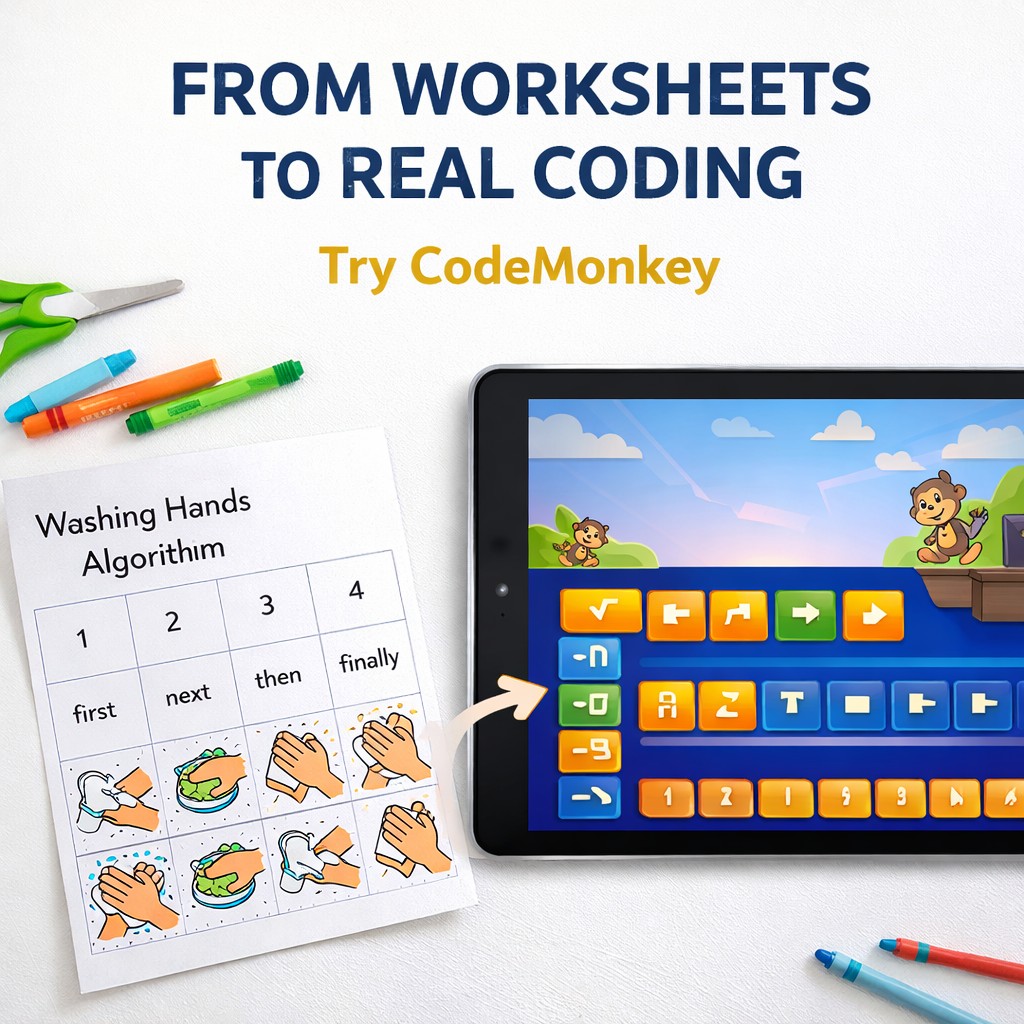
If you want to explore the platform and see how it works, you can start by browsing the CodeMonkey coding platform for kids to get a feel for their approach and curriculum.
If you’re a parent looking to try coding at home, you can go straight to the CodeMonkey parent signup with free trial, which gives you access to a 7 day trial so your child can start exploring right away.
For teachers, there’s also a dedicated option to test it in the classroom. You can sign up for the CodeMonkey teacher trial here and see how it fits into your lessons, especially after using unplugged coding activities like the ones above.
What I like about CodeMonkey is that it takes those early coding ideas and turns them into a more interactive experience.
Students can keep practicing logic and sequencing in a game based format, and over time they are introduced to real programming concepts in a way that still feels manageable for younger learners. If you want to move from unplugged coding into computer based practice, CodeMonkey is a strong next step.
If you want, I can now turn this into a full article with the intro, headings, and conclusion cleaned up around the keyword coding games.
2. Coding Worksheet for Kids With a Star Heroes Twist
If you want something more engaging, this coding worksheet for kids introduces coding through a fun, story-based activity.
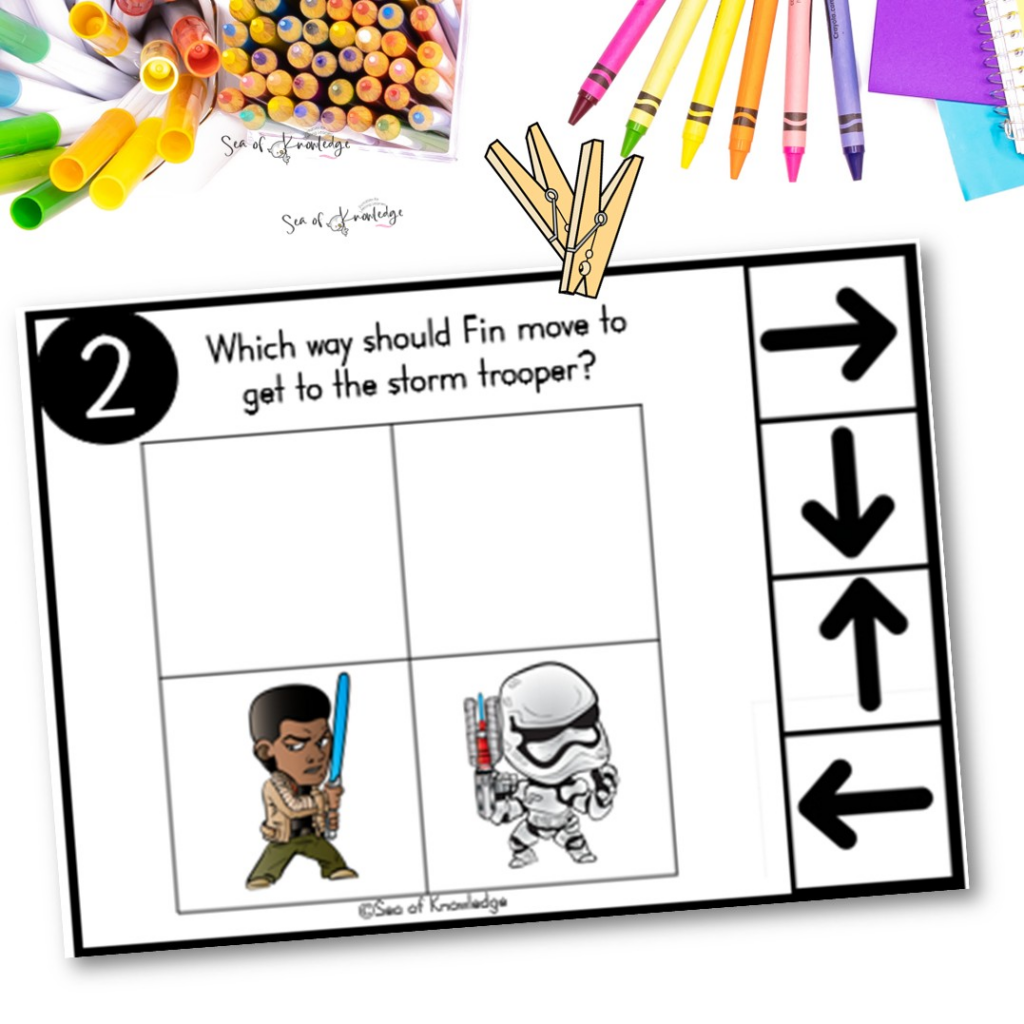
It feels less like a worksheet and more like a mission, which is perfect for keeping younger learners engaged.
How to use:
Use during STEM lessons, small groups, or independent work after modeling the first example.
Benefits:
This worksheet helps students:
- follow step-by-step instructions
- understand direction and movement
- see how one step impacts the outcome
These are essential skills for transitioning into computer coding for kids, where instructions must be precise. When students later use platforms like CodeMonkey, they already understand how sequences control outcomes.
How to download:
Download it directly from the coding worksheet for kids post.
3. Coding Games for 5 Year Olds Without a Screen
For younger learners, this coding games for 5 year olds resource is a great starting point.
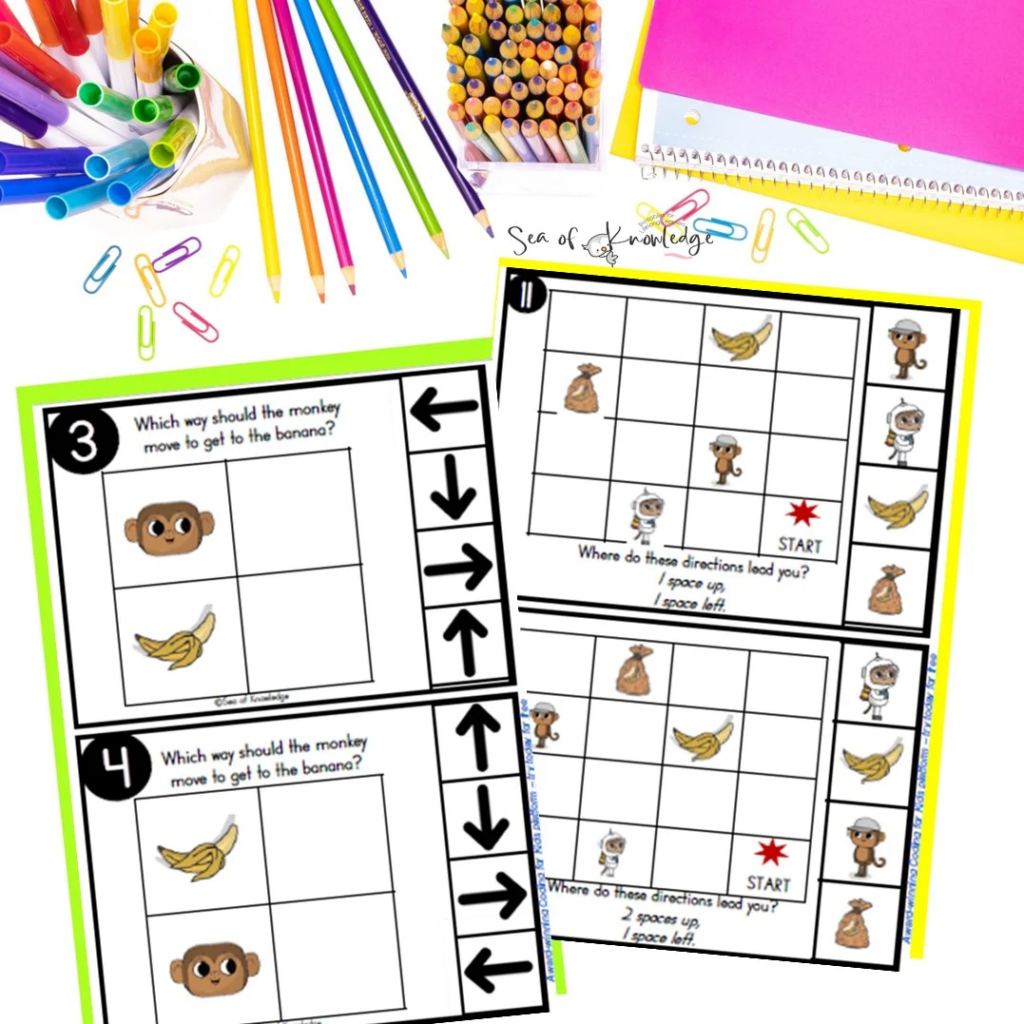
It focuses on simple, hands-on tasks that introduce coding concepts without relying on devices.
How to use:
Use in centers, partner activities, or one-on-one support for beginners.
Benefits:
This is ideal for coding for 5 year olds because it:
- keeps learning concrete and visual
- builds confidence early
- removes the overwhelm of screens
Students develop foundational skills that directly support future digital coding. When they eventually move onto tools like CodeMonkey, they already understand how sequences and logic work.
How to download:
Access the free activities inside the coding games for 5 year olds post.
4. Coding Games for Kids That Feel Like Play
This coding games for kids post shows how coding can be taught through play-based learning.
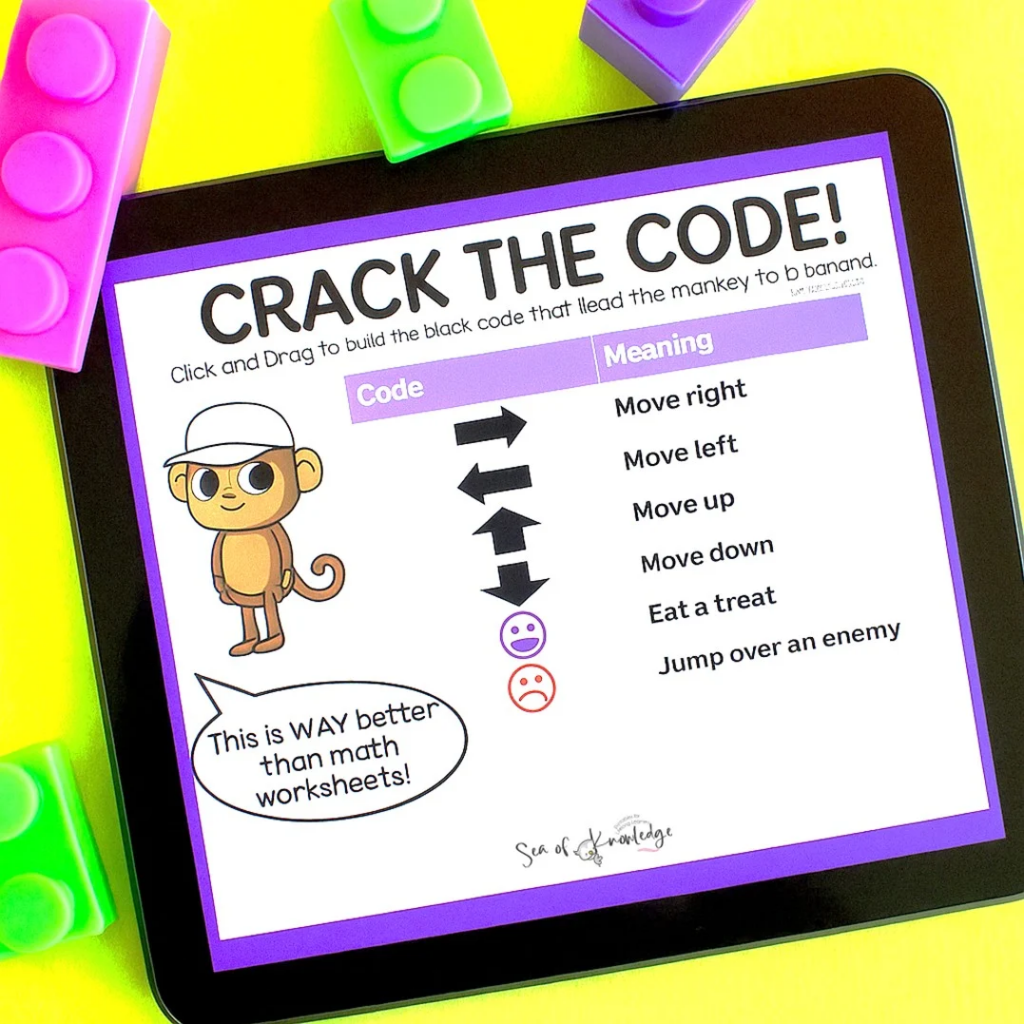
It focuses on engaging, hands-on activities that build STEM thinking naturally.
How to use:
Use as a STEM center, enrichment activity, or collaborative task.
Benefits:
These activities help students:
- problem solve
- test and adjust ideas
- think logically in a low-pressure way
This is important because real coding involves trial and error. These skills transfer directly into digital coding environments like CodeMonkey, where students need to experiment and fix mistakes.
How to download:
Explore the activities in the coding games for kids post.
5. Free Back to School Unplugged Coding STEM Activity
If you’re looking for a simple entry point, this free back to school unplugged coding STEM activity is a great option.
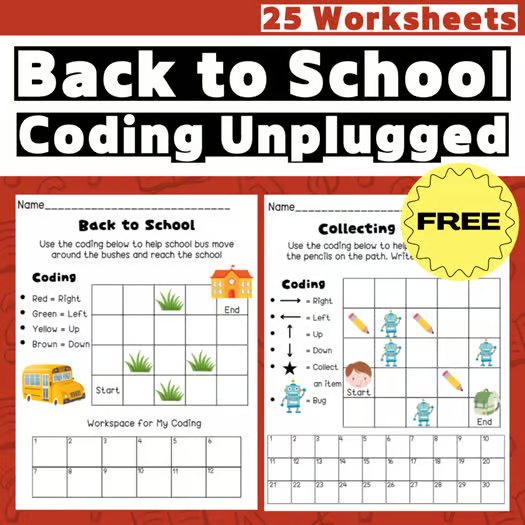
It’s designed as an unplugged activity, making it ideal for introducing coding worksheets for elementary students without screens.
How to use:
Use as a first coding lesson, back-to-school activity, or quick STEM introduction.
Benefits:
This worksheet helps students:
- understand structured steps
- build logical thinking
- approach problems in an organized way
These foundational skills make it much easier to move into digital coding later. Instead of guessing, students understand how coding works.
How to download:
Download it from the free back to school unplugged coding STEM activity listing.
The best coding games for kids don’t always start with a device.
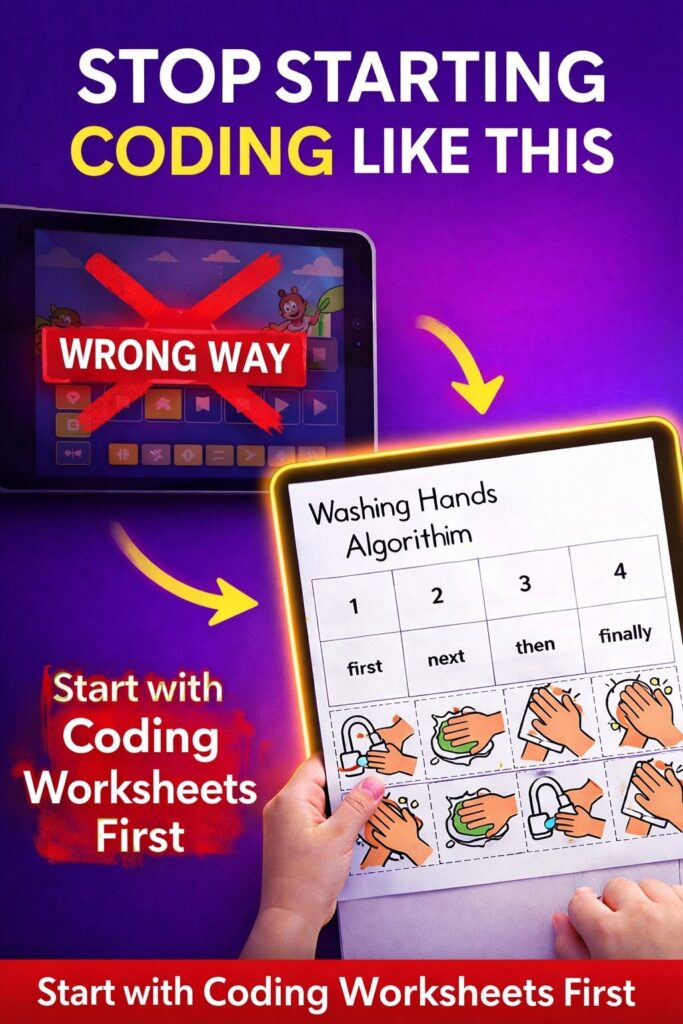
For younger learners, especially those exploring coding games for preschoolers or coding for 5 year olds, hands-on activities provide the strongest foundation.
By starting with screen-free coding activities, students develop the logic, sequencing, and problem solving skills they need.
From there, moving into digital platforms becomes easier, more effective, and far less overwhelming.