Practice English Speaking: How these Innovative Ideas Make ESL Conversations Less About Talking to Yourself
Looking for ways to help ESL students speak more confidently? Find a cool new tool with audio and microphone use to practice English speaking, plus get printable prompts, beginner tips, and real-world ideas for parents, teachers, and homeschoolers!
So here’s the thing—to practice English speaking with ESL students can be super tricky. You’ve got the shy ones who barely whisper, the enthusiastic ones who say everything out of order, and the ones who just say “yes” to everything. 😂 I’ve been there—trying to coax full sentences out of students like pulling teeth with a spaghetti noodle.
And let’s be real: worksheets and flashcards are fine, but they don’t exactly scream “real-life conversation.” That’s why I started looking into interactive and immersive methods—something that gets ESL learners actually speaking, not just repeating everything without context.
Disclosure: This post is sponsored by Rosetta Stone, but as always, all opinions and ideas are my own. I only share resources I truly believe will help you and your learners!
Enter Rosetta Stone.
Yep. That classic yellow box we all knew from the early 2000s?
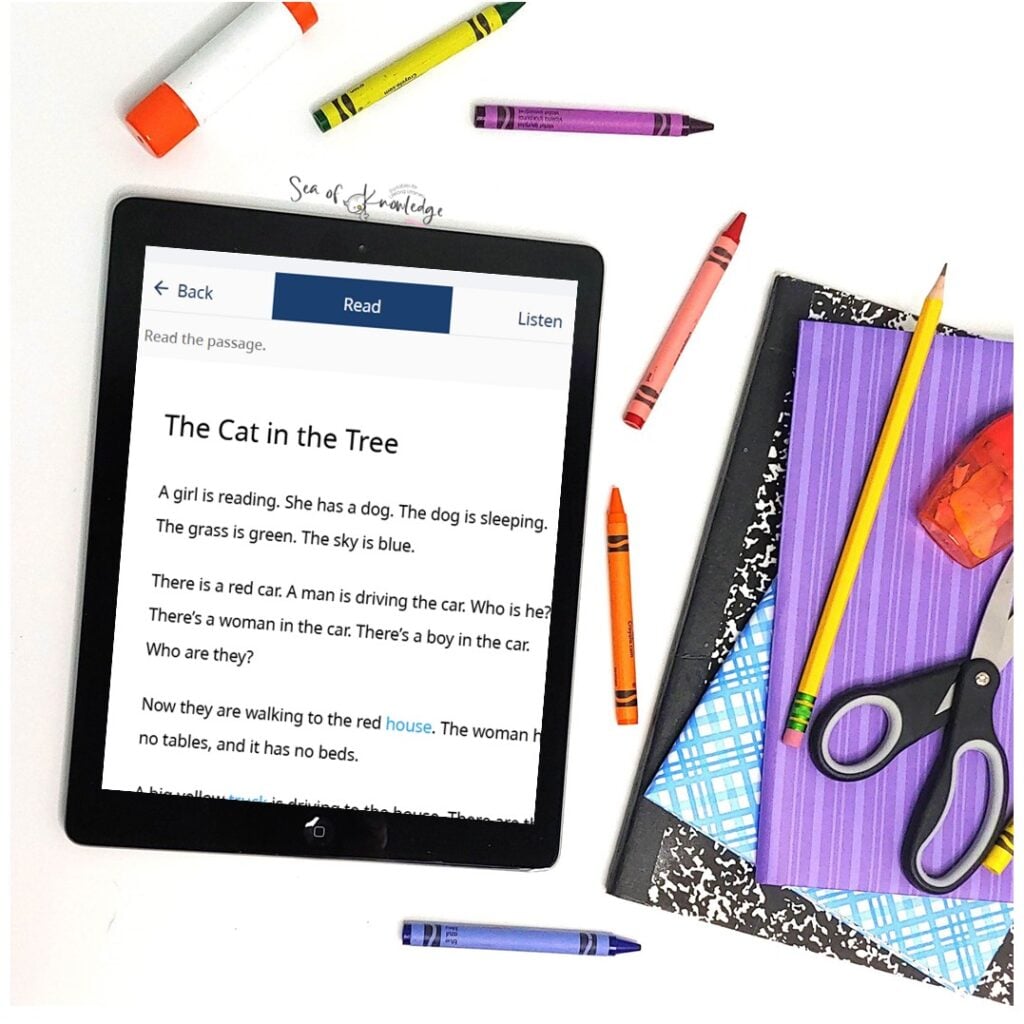
At first, I was worried about how this will work with my younger students since I work with ages 5-8. I picked the more common topics to use with the younger learner like ‘food’ and then for the 7+, it was so easy to find relevant audio stories, sentence fluency practice and sight word activities for them.
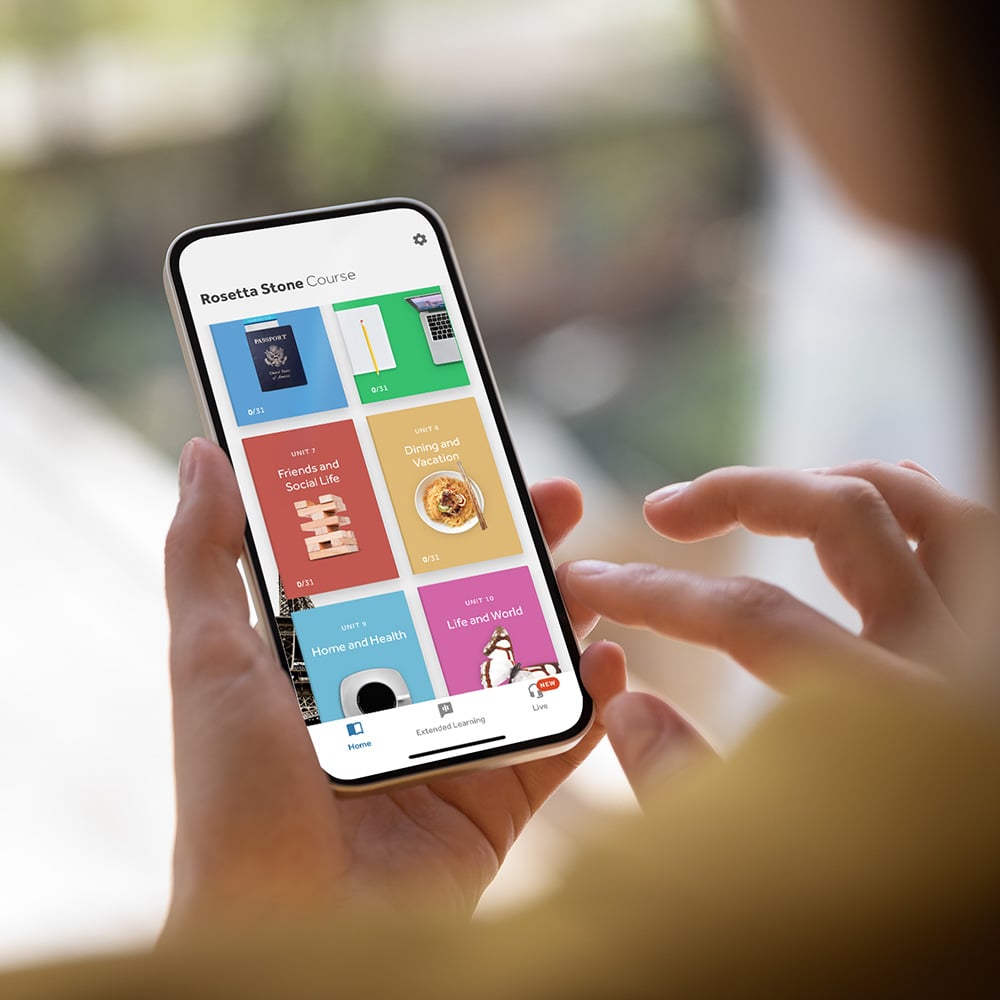
This app, its had a serious glow-up, and honestly, it’s kind of amazing for English speaking practice now.
Especially if you’ve got students who need more help with conversation skills, pronunciation, or even just building confidence.
Why Conversation Practice Feels So Hard for ESL Students
In my experience, when I’d start a class, I always try to engage learners with the topic beforehand using some exciting vocabulary, picture or photo flashcards and an easy open discussion. ESL students face all the things when it comes to speaking:
- Fear of messing up (hello, perfectionism 👋)
- Lack of speaking partners
- Not knowing what to say in real-life situations
- Oh, and let’s not forget… pronunciation minefields (I’m lookin’ at you, “thought,” “through,” and “tough”)
You can drill vocabulary all day, but if your learners can’t use it in a conversation, it’s kind of like buying a treadmill and using it as a coat rack. (Guilty. 🙈)
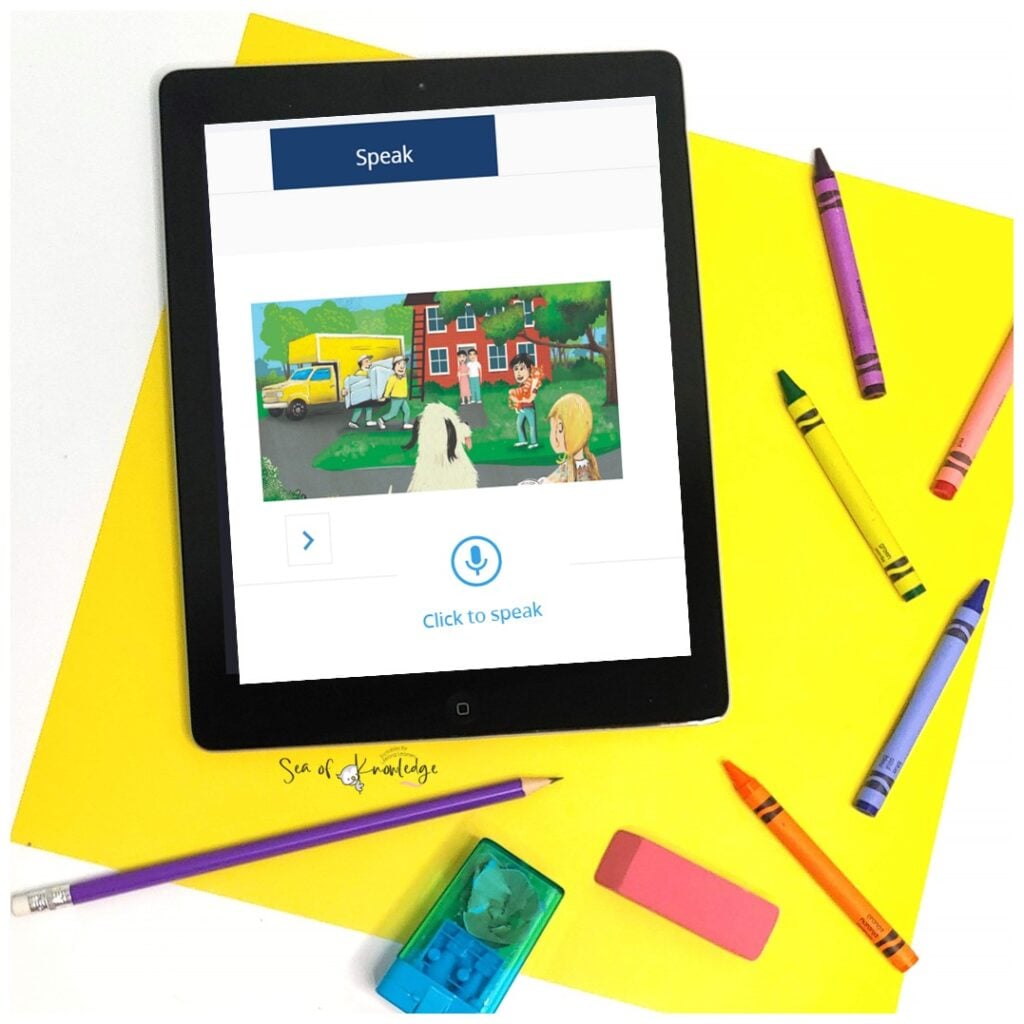
For example, in one of the speaking activities, the learner sees a phrase on the screen and is prompted to say it out loud. Simple, right? But here’s where it gets really helpful — Rosetta Stone gives instant feedback.
As soon as the student repeats the phrase, the program listens and checks their pronunciation.
This actually halves your ‘teacher feedback time’ since you can tend to other students in your class and give them full access to the activity with headphones. However, there is a balance! I’ll explain that below.
When they speak, if it’s spot on, they get the green light. If not, no biggie — it gently lets them know which parts need more practice.
It’s like having a super-patient speaking coach sitting right there with them. And the best part? Students can keep practicing as many times as they need until it sounds just right. 👏
Why Rosetta Stone Works for ESL Beginners
Okay, so here’s what I love about using Rosetta Stone to practice English speaking:
🗣️ 1. Speech Recognition = Perfect Companion
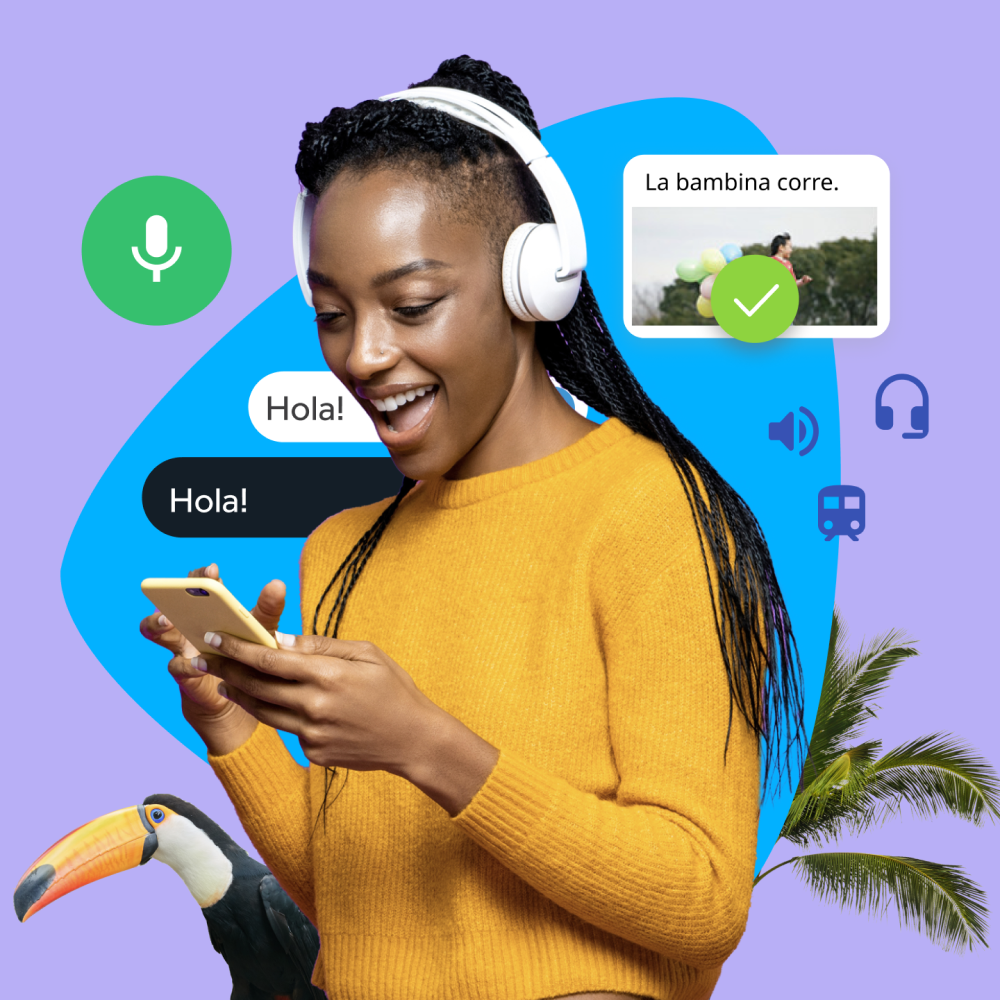
Their speech recognition tech is no joke. Your student says something like “I wike dis app,” and Rosetta’s like “Hmm… try again.” It’s gentle but effective. And it makes learning English speaking less awkward, especially for kids or shy learners.
They get to practice discreetly.
🌎 2. Real-World Scenarios = Actual Conversations
Rosetta Stone drops learners into real-life convo situations—ordering food, chatting at the store, asking for help.
So instead of “The pencil is yellow,” they’re practicing things they’ll actually say. (Unless you live in a pencil factory. Then yes, that sentence is gold.)
🔄 3. Adaptive Learning = No More One-Size-Fits-All
Rosetta Stone adjusts to the learner’s progress. If they’re nailing basic greetings, it ramps things up. If they’re stuck, it slows down.
It’s like a chill tutor that you can use ongoingly whenever you want!
I do however, find that there is a limit. So when I use a practice task. I would assign about 5 minutes to one and then check in on the student. I wouldn’t just open the app, hand over the headphones and be on my way.
It’s way more engaging for the student to get ‘real feedback’ from the teacher but use Rosetta as a supplement! It’s perfect for that.
Printable ESL Questions & Prompts for Speaking Practice
So here’s a little freebie I made—a printable conversation guide (aka your go-to conversation skills worksheet) for ESL teachers, homeschoolers, and parents. It includes simple prompts like:

- “What do you like to eat for breakfast?”
- “Describe your favorite animal!”
- “What would you do if you had a pet dinosaur?” 🦖
These are super fun to pair with Rosetta Stone—you can introduce the vocab and then reinforce it with these structured questions. Boom!
Teachers and homeschoolers love using these teaching conversation skills worksheets because they give students clear structure, sentence starters, and tons of speaking confidence.
You can even call them conversation sheets if you’re printing them for casual use or laminating for centers. Whatever you call them, they make practicing speaking so much easier and a lot less awkward.
I’ll link the printable right here!
How to Use Rosetta Stone for Beginners
Okay, tech can be scary. But Rosetta Stone is actually pretty easy to set up. I signed up and then I was able to get it loaded on my iPad, phone and I even used it in class on a projector. Here’s what I recommend:
🔧 Step-by-Step Setup:
- Sign up and choose “English (American)” as your target language.
- Set your student’s level (newbie-friendly, promise).
- Plug in a headset with a mic (or use a quiet room).
- Let the app take the lead!
👨🏫 For Teachers & Homeschoolers:
Use Rosetta Stone 2–3 times a week in short bursts (15-20 mins). Then follow it up with:
- Group discussion using the printable prompts
- Listening to Audio book English learning tools together
- Journaling with new vocab
- Playing games like charades using new phrases
Pair it with a best app to learn English speaking, and you’re golden. Or try pairing Rosetta Stone lessons with one of our conversation skills worksheets to help kids practice what they’ve just learned. It’s a great way to go from listening → speaking → real interaction.
Bonus idea? Create a little ESL “speaking station” at home or in your classroom with headphones, mirrors (for pronunciation practice!), and a tracking chart. Let them own their progress.
So… Is Rosetta Stone the Best App for English Learning?
Honestly? I think it’s up there. Especially for speaking. I recommend it entirely for kids over 7, since the content can quickly accelerate their learning, conversational and speaking skills.
It’s audio microphone technology is something I haven’t seen before and now with AI, it’s even more beneficial.

It’s not just about memorizing words—it’s about hearing, speaking, and using the language. For beginners, kids I’d say 7+, and even teens who are new to English, it gives them structure and confidence.
And for parents and teachers who just want to support their learners without becoming full-time tutors… it’s a total lifesaver.
If you’re serious about helping your ESL students practice English speaking—daily, naturally, and without the stress—Rosetta Stone is totally worth trying.
👉 Grab the 50% Off Lifetime Deal link here for Rosetta Stone!
Got any funny ESL speaking moments or success stories? I’d love to hear them!